Master templates your team cannot break.
Editable PowerPoint and Keynote master template systems your team can build decks from for years. Type tokens, layout grid, chart and infographic library, theme files, and a usage guide. Custom-designed to your brand. Led by Creative Director Arifa Zanom.
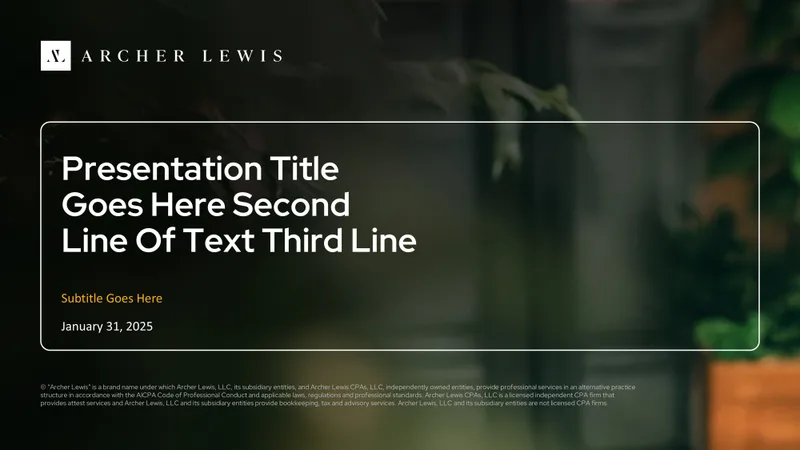
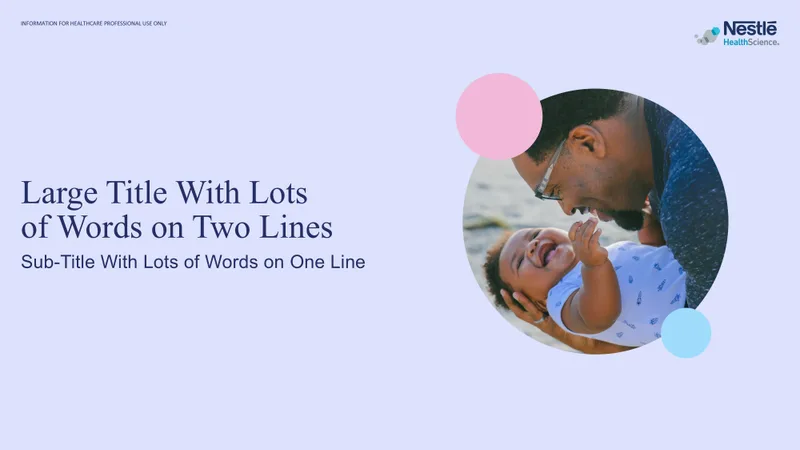
Your story, our craft, numbers that hold up.
Whatever the format, the system is the same. Story first, direct Creative Director collaboration, and outcomes we can put a number on.
“Arifa rebuilt our Series A deck in two weeks. We closed the round at $20M. The deck did half the selling for us.”

Built for teams who ship decks every week.
Three audiences, one outcome. Whatever your team is shipping, the template has one shared assignment: stay on-brand, save hours per deck, and survive five years of staff changes.
In-house comms and marketing teams
A reusable PowerPoint or Keynote system your comms, marketing, and exec teams build from. Type, color, charts, layouts, and a usage guide. Saves your team six to eight hours per deck after week one.
Sales enablement teams
A discovery and demo deck system AEs can edit without breaking the brand. Locked masters, smart layouts, swappable proof tiles, and a chart library. Stops the slow drift into off-brand sales decks.
Agencies and consultancies
A reusable client-facing template system that turns every project deliverable into a consistent, on-brand artifact. Faster pitch turnarounds, fewer last-minute design fires, a sharper external impression.
Eight things in every system.
No upsells, no hidden line items. Every master template ships with the full system, scoped to the layout count we agree on at kickoff.
Most templates land between 20 and 35 layouts.
- Lean starter system: 12 to 18 layouts
- Standard corporate template: 20 to 28 layouts
- Enterprise template with chart library: 28 to 40 layouts
- Sales-enablement system with proof tiles: 30 to 45 layouts
We will recommend the right scope after the brand audit. You only pay for the layouts we agree on, at $25 USD per layout.
Six layouts in every system.
A template is six core layouts stacked into a system, plus a chart library, plus theme files. Here is what every master ships with.
The Cover
The Section divider
The Content
The Chart
The Two-column
The Closing
A template is not a file. It is a system.
Most corporate templates are five pretty cover slides taped onto a default Office theme. They look fine in the demo and fall apart by week three, when someone copy-pastes a chart from another deck and the brand quietly drifts.
We build templates as systems. Locked masters, theme files, type and color tokens, smart layouts, and a usage guide that holds the line. Built so a non-designer can ship an on-brand deck in 40 minutes, five years from now.
Arifa Zanom, Creative Director
Six checks every layout passes before shipping.
- Can a non-designer use this layout without breaking it?
- Does the master lock everything that should not be touched?
- Does the layout work at 16:9, 4:3, and printed handout size?
- Does it survive copy-paste from another deck without drifting?
- Does the chart library cover the 12 most-used chart types?
- Does the usage guide answer this question in one paragraph?
We make the complex three to four weeks.
A master template is more system design than slide design. It takes a week longer than a finished deck, but the output lasts five years.
Brand audit
We pull your brand guidelines, audit existing decks, and map the layouts your team actually uses every week. We leave knowing where the system needs to be tightened.
Token system
Type, color, grid, and chart tokens. Theme files. You sign off on the tokens before any layouts are built.
Layout build
Locked masters, layouts, chart library, smart placeholders. We build in PowerPoint and Keynote in parallel so behaviour matches.
Handoff
Usage guide PDF, three revision rounds, final theme files, source files, and a 30-minute walkthrough call with your team.
A 28-layout template is $700 USD. A team shipping ten decks a month saves more than that in the first week.
Internal estimates from comms and enablement teams we have shipped templates for: six to eight hours saved per deck, after the first month of adoption. Brand-drift incidents drop to near zero. Onboarding a new hire onto presentation work shrinks from a week to an afternoon. The template is the cheapest piece of design infrastructure most teams ever buy.
See the full portfolio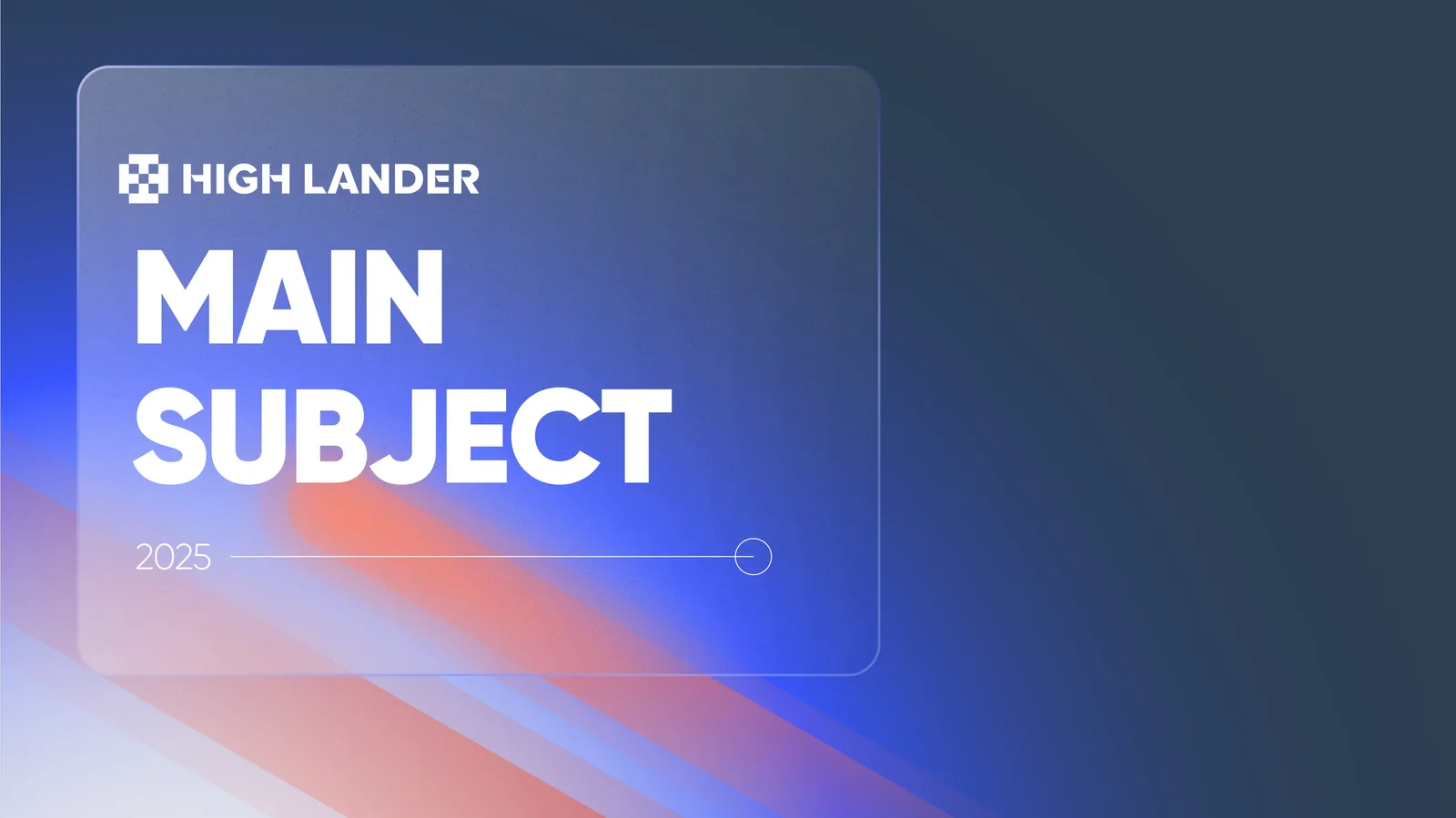 HighLander / 31-layout system
Transparent per-slide pricing.
No bloated retainers. No vague quotes. You pay for the slides we agree on, with rush and add-on options when the project calls for them.
Reusable PowerPoint and Keynote system
A 20 to 28 layout standard system typically lands between $500 and $700 USD. Enterprise systems with extended chart libraries scale from there. We quote the exact figure after the brand audit.
- Type, color, grid, and chart tokens
- Locked master layouts in PowerPoint and Keynote
- Chart and infographic library, on-brand
- Theme files (.thmx and .key) for default-on-brand new files
- Designer-written usage guide PDF
- 30-minute team walkthrough call at handoff
- 3 rounds of revisions included
- You own all source files, fonts, and the template forever
Other services
Master templates are our only $25-per-unit service. Slide-based projects are $35 per slide.
- Master templates: $25 / layout
- Investor pitch decks: $35 / slide
- Sales decks: $35 / slide
- Corporate presentations: $35 / slide
- One-pagers: custom quote
Three reasons in-house teams pick us for template systems.
We are not the cheapest. We are not the biggest. The reason clients still choose us is on this page.
System-first, not slide-first
We design templates as systems, not as five pretty cover slides. Locked masters, theme files, smart layouts, and a usage guide that holds the line for years.
PowerPoint and Keynote parity
Every template ships in both PowerPoint and Keynote, built in parallel so behaviour matches. Theme files included so new files spin up on-brand by default. Your team picks the tool, the brand stays consistent.
Designed for non-designers
Every layout is tested with a non-designer before shipping. If a marketing manager cannot use it without breaking the brand, it goes back on the drawing board. Your team’s adoption is the deliverable, not the file.
I do not just build templates. I build systems your team will still use in 2031.
I am Arifa Zanom, Creative Director at slidemaster. Nine years in design, formerly Creative Director at a large agency, plus a parallel global freelance practice. I read law at Rajshahi University, then formalized design at Northbridge University. The mix of legal-grade thinking and visual craft is the unfair advantage I bring to every template system.
What founders say.
Verified reviews from Upwork, direct clients, and long-term partners.
“We have worked with three different deck agencies. slidemaster is the only one that asked the right questions before opening Figma. The output reflected it.”
“The template Arifa built has saved our marketing team easily 10 hours a week. Decks land on-brand by default now. We have not opened the old PowerPoint file in three months.”
“The usage guide PDF was worth the price on its own. New hires onboard onto our deck system in an afternoon now, not the week it used to take.”
Master template questions.
Anything we have not covered? Send a note and we will reply within one business day.
How long does a master template take?
Most master templates ship in three to four weeks from kickoff. A template is more system design than slide design, so it takes a week longer than a finished deck. The output is built to last five years.
How many layouts should my template have?
A lean starter system is 12 to 18 layouts. A standard corporate template lands at 20 to 28 layouts. Enterprise systems with extended chart libraries run 28 to 40. Sales-enablement systems with proof tiles can stretch to 30 to 45. We recommend the right scope after the brand audit.
Why $25 per layout instead of $35?
A finished deck is one-shot custom work. A master template is a system that pays back across hundreds of decks. We price the template service lower so the value of the system is the value to your team, not the cost of the file.
Do I get both PowerPoint and Keynote files?
Yes, by default. Every template ships in both PowerPoint (.pptx and .thmx theme) and Keynote (.key and theme), built in parallel so behaviour matches across tools. Your team picks the tool, the brand stays consistent.
Can you tighten our existing brand guidelines for presentation?
Yes. Most brand guidelines are designed for print and web first, presentation last. Part of the brand audit at the start of every project is identifying where the guidelines break under presentation load, and proposing tuned variants for type, color, and chart treatments.
What is the usage guide PDF?
A short, designer-written PDF (typically 12 to 20 pages) that teaches your team the rules. Type tokens, color tokens, layout dos and don’ts, chart usage, and how to handle the edge cases. Delivered with the template.
Do you train our team on the new template?
Yes. A 30-minute live walkthrough call at handoff is included on every template project. We walk your team through the system, the usage guide, and the most common pitfalls. Recorded for new hires.
Will you sign an NDA?
Yes, mutual NDAs are standard before we see brand guidelines, internal decks, or roadmap materials. Send your template or use ours. We have shipped under NDA for enterprise, healthcare, fintech, and pre-IPO clients across nine years.
Do I own the template forever?
Yes. Once the final invoice is paid, all source files, fonts, theme files, and editable layers transfer to you in full. No recurring license fees, no asset hostage. The template is yours to use, edit, and extend for the rest of its life.
Let’s build the template your team will still use in 2031.
Tell us about your team, your brand, and the decks you ship most. We reply within one business day with a layout-count recommendation, a quote, a timeline, and a kickoff call invite.